 Photoshop
 Maya
Maya ZBrush
 Houdini
 Substance Painter
 Blender
 Arnold
 Nuke
Nuke KeyShot
 V-Ray
V-Ray Marvelous Designer
 Mari
Mari Marmoset Toolbag
 Substance Designer
 3ds Max
 Redshift
 3D Coat
 Lightroom
 Faceform Wrap
 After Effects
 Octane Render
 Speed Tree
 Daz3D
Daz3D Reality Capture
 Agisoft Metashape
 Modo
Modo Fusion
 Gravity Sketch
 Gaea
Gaea Premiere
 Cinema 4D
 Procreate
 Katana
 Quixel DDO
 Mudbox
 Mixamo
 SketchBook Pro
 SketchUp
 Adobe Medium
 Clip Studio Paint
 Natron
 Quixel Bridge
 Quixel Megascans
 Quixel Mixer
 Substance 3D Modeler
 World Creator
 Yeti
Yeti Ziva VFX
 Massive
 Materialize
 TreeIt
 Ornatrix
 PreForm
 SynthEyes
 Corel Painter
 QuickTime
 StoryboardPro
 xNormal
 animBot
 Unity
Unity ReCap
ReCap MeshMixer
 Gaffer
 DaVinci Resolve
 World Machine
 Krita
Krita















11 Lessons
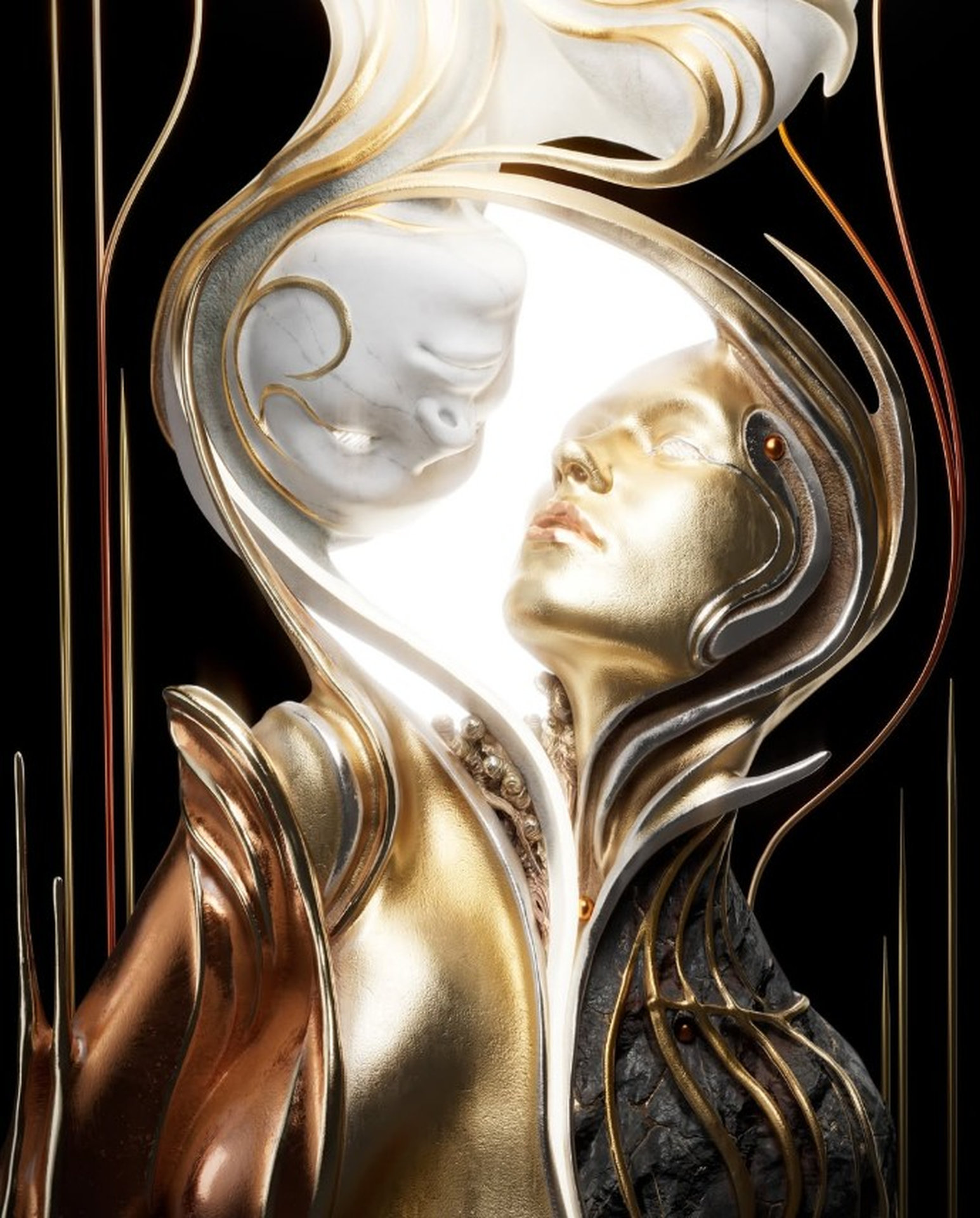
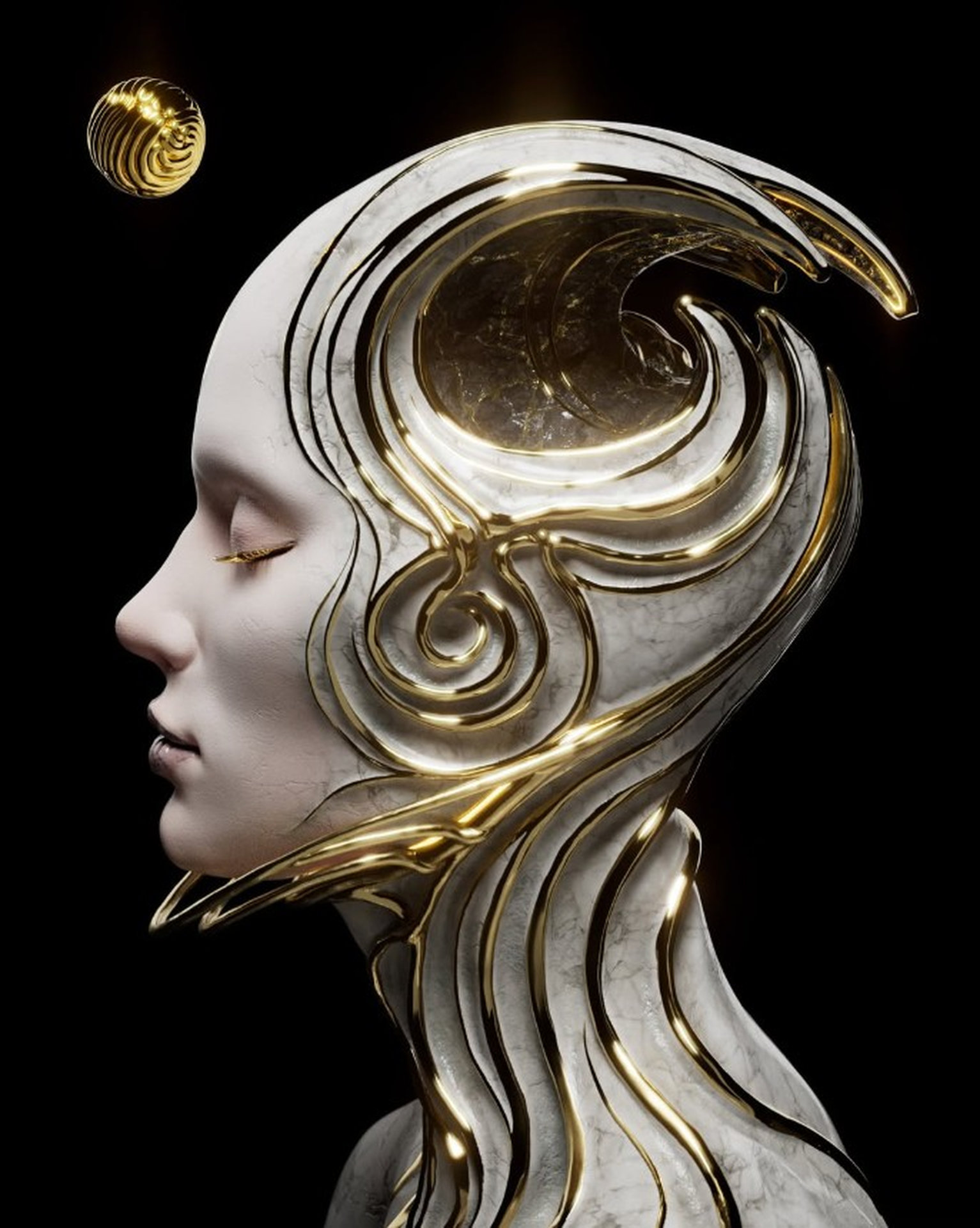
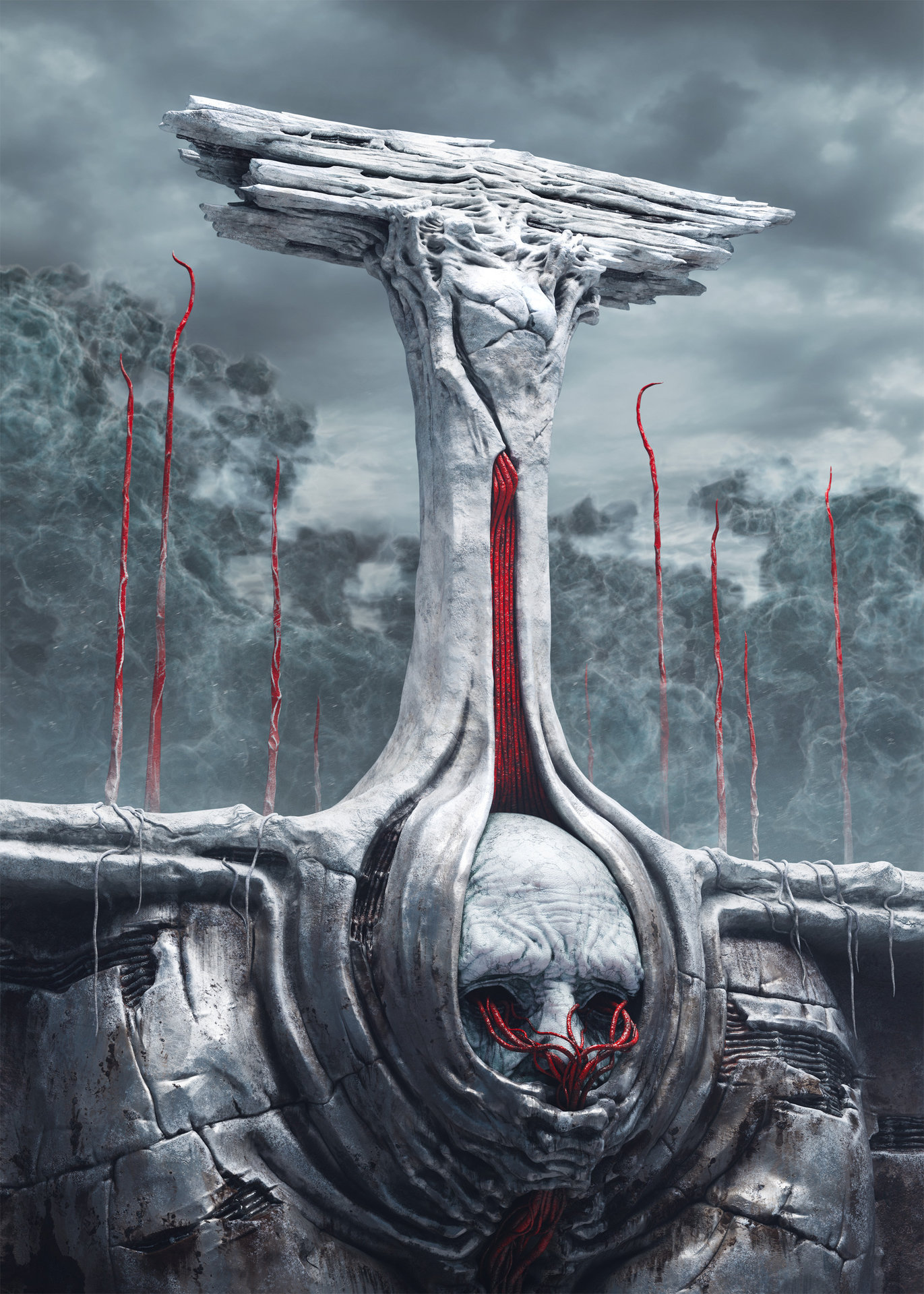
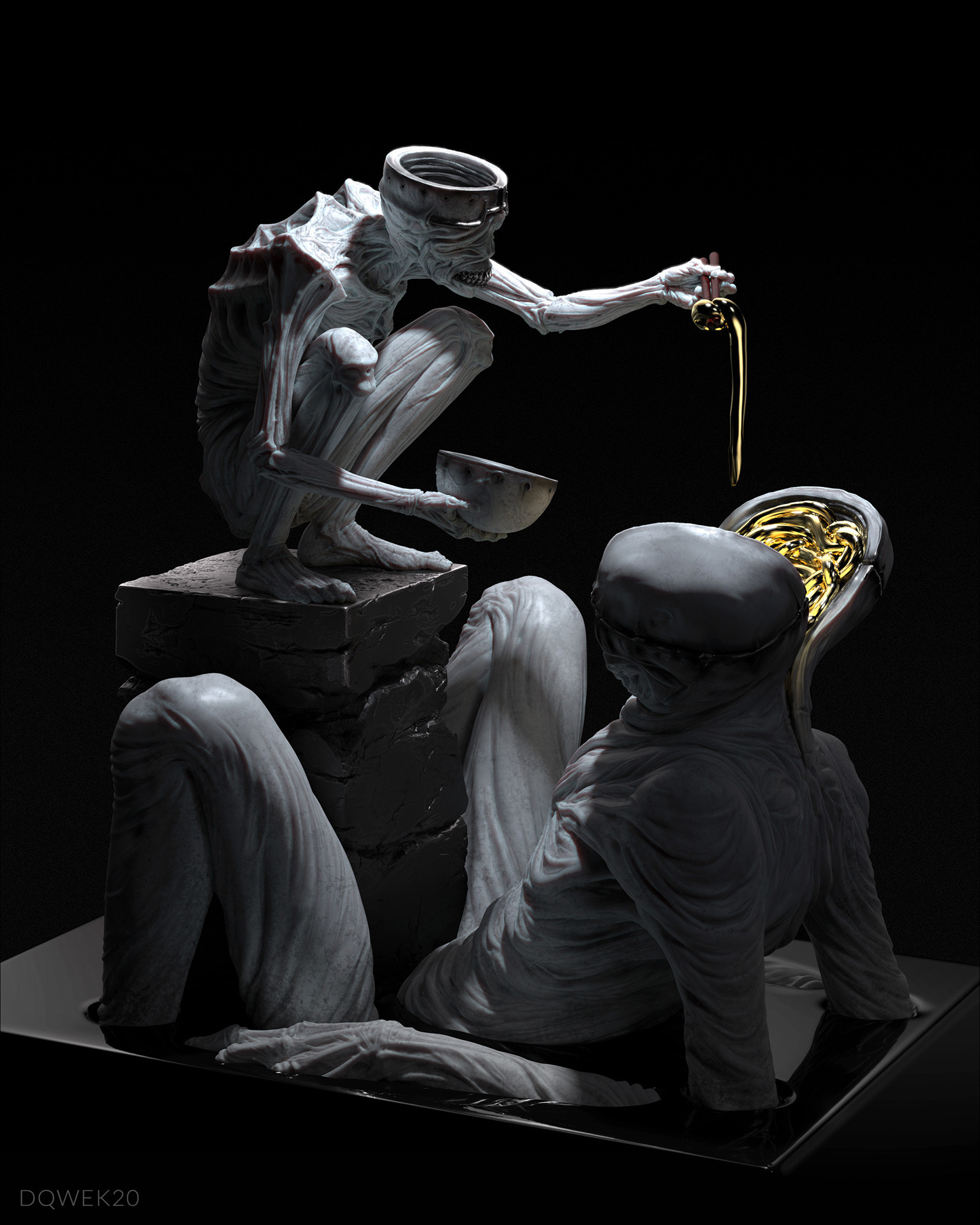
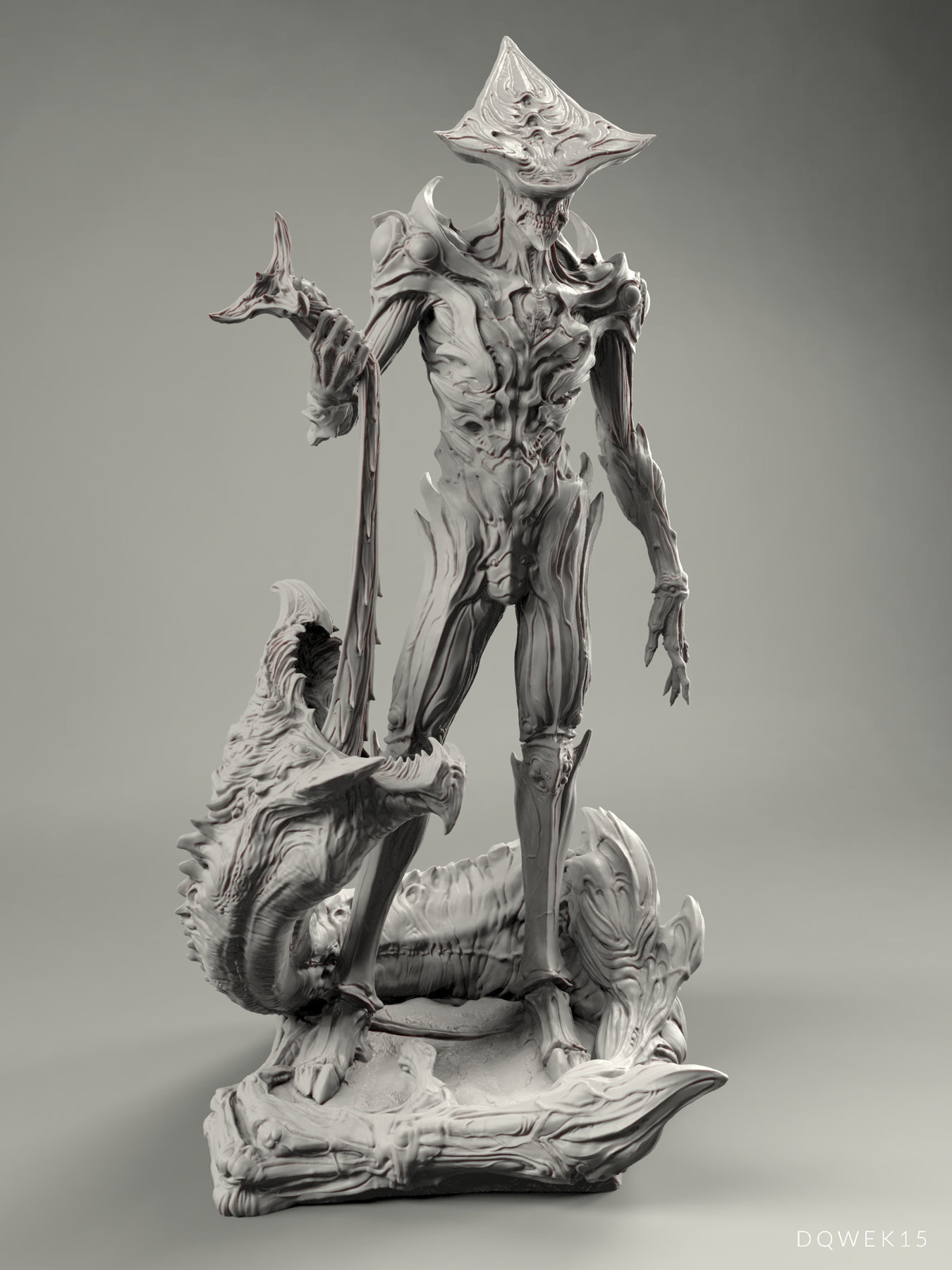
This workshop sets out a comprehensive workflow for creating realistic 3D creature concepts, from sculpting to final presentation. Artists will learn practical techniques used in production environments, covering key features in ZBrush, rendering in KeyShot, and compositing in Photoshop.
Duration: 59s

This lesson explains how ZBrush’s Sculptris Pro system provides flexibility for organic sculpting, avoiding the need for constant remeshing. The ability to block out primary forms and add fine details later makes the sculpting process more efficient and flexible. While there are stability issues when using Sculptris Pro with extreme polygon counts, the feature redefines how artists approach digital sculpting, making it quicker and easier to explore design ideas.
Duration: 27m 4s

This lesson showcases a professional approach to creature design that prioritizes experimentation, iteration, and constant evaluation. Dominic Qwek shows that great design comes from experimenting with multiple ideas, making mistakes, and knowing when to simplify. By combining the use of features like Sculptris Pro with an understanding of fundamental design principles, artists can create compelling, cohesive creature designs.
Duration: 17m 56s

In this lesson, Dominic demonstrates an experimental approach to creature design. A willingness to make significant changes, combined with strategic placement of detail, and constant visual testing, results in a balanced design that naturally guides the viewer's eye around the design. A key takeaway is to remain flexible throughout the creative process, treating design as an evolving conversation rather than a linear progression.
Duration: 17m 39s

This lesson demonstrates how ZBrush’s CurveTube brush can help to create ornate, flowing decorative elements on 3D forms. Using a combination of curve modifiers, elastic/liquid adjustments, and smoothing provides artists with powerful methods for adding intricate details. Evaluating the design from all angles is key to creating successful ornamentation, ensuring that it complements rather than overwhelms the overall form.
Duration: 8m 31s

This lesson demonstrates how Sculptris Pro provides a powerful alternative to traditional subdivision modeling in ZBrush, allowing artists to achieve high-resolution results through dynamic tessellation. Dominic also emphasizes the need for strategic problem-solving for performance issues, and the need to maintain design integrity. Although Sculptris Pro has its benefits, traditional subdivision workflows still have significant advantages for certain applications.
Duration: 12m 33s

In this lesson, Dominic shares an approach to adding tertiary detail that balances realism with artistic control. The main lesson is maintaining restraint, knowing when enough detail has been added to enhance realism without obscuring the underlying forms that give the character its distinctive design.
Duration: 14m 58s

In this lesson, Dominic discusses how subtly posing a character or creature sculpt can significantly enhance realism and visual interest. Physical renderers like KeyShot provide essential visual feedback that sculpting software alone cannot, making the back-and-forth process crucial for achieving professional results.
Duration: 8m 43s

This lesson establishes a flexible approach to lighting and rendering. By establishing lighting with neutral materials first, adjusting the scene based on material responses, and finally rendering multiple material and lighting passes, Dominic creates a comprehensive library of render variations. This method allows for creative freedom during compositing, where different materials and lighting effects can be blended and adjusted to achieve the desired final look without re-rendering.
Duration: 15m 57s

In this lesson, Dominic showcases a compositing workflow that transforms basic KeyShot material renders into a polished, photorealistic image. He creates believable results by layering multiple render passes and textures while using selective masking and blend modes to control their interaction. Rather than relying on a single render, this approach gives artists the ability to refine every aspect of the image until they achieve their desired look.
Duration: 20m 59s

This lesson summarizes the workflow demonstrated throughout the workshop for sculpting a creature design suitable for the entertainment industry. Dominic encourages artists to implement these techniques in their own creative work, and directs viewers to downloadable resources on his website.
Duration: 44s

Primary tools
For this workshop you’ll need:


Skills Covered
Who’s this Workshop for?
This workshop is designed for intermediate to advanced 3D artists, character designers, and concept artists who want to enhance their creature creation skills. Artists with basic ZBrush knowledge looking to refine their sculpting workflow will also find this valuable.
Game developers, VFX artists, and entertainment industry professionals will also benefit from Dominic's techniques. The pipeline from initial design through final presentation makes this essential for anyone creating creatures for films, games, or concept work.
Learning Outcomes
By completing this workshop, artists will understand the complete creature sculpting pipeline, from initial blocking to final rendered presentation, using industry-standard tools.
Key skills include:
- How to effectively block out primary and secondary forms.
- How to evolve and refine creature designs organically.
- How to utilize Sculptris Pro features for efficient detail work and surface refinement.
- How to apply professional sculpting techniques across multiple development stages.
- How to set up dramatic lighting and materials in KeyShot for creature presentations.
- How to composite render passes in Photoshop to create polished final concept artwork.