 Photoshop
 Maya
Maya ZBrush
 Houdini
 Substance Painter
 Blender
 Arnold
 Nuke
Nuke KeyShot
 V-Ray
V-Ray Marvelous Designer
 Mari
Mari Marmoset Toolbag
 Substance Designer
 3ds Max
 Redshift
 3D Coat
 Lightroom
 Faceform Wrap
 After Effects
 Octane Render
 Speed Tree
 Daz3D
Daz3D Reality Capture
 Agisoft Metashape
 Modo
Modo Fusion
 Gravity Sketch
 Gaea
Gaea Premiere
 Cinema 4D
 Procreate
 Katana
 Quixel DDO
 Mudbox
 Mixamo
 SketchBook Pro
 SketchUp
 Adobe Medium
 Clip Studio Paint
 Natron
 Quixel Bridge
 Quixel Megascans
 Quixel Mixer
 Substance 3D Modeler
 World Creator
 Yeti
Yeti Ziva VFX
 Massive
 Materialize
 TreeIt
 Ornatrix
 PreForm
 SynthEyes
 Corel Painter
 QuickTime
 StoryboardPro
 xNormal
 animBot
 Unity
Unity ReCap
ReCap MeshMixer
 Gaffer
 DaVinci Resolve
 World Machine
 Krita
Krita















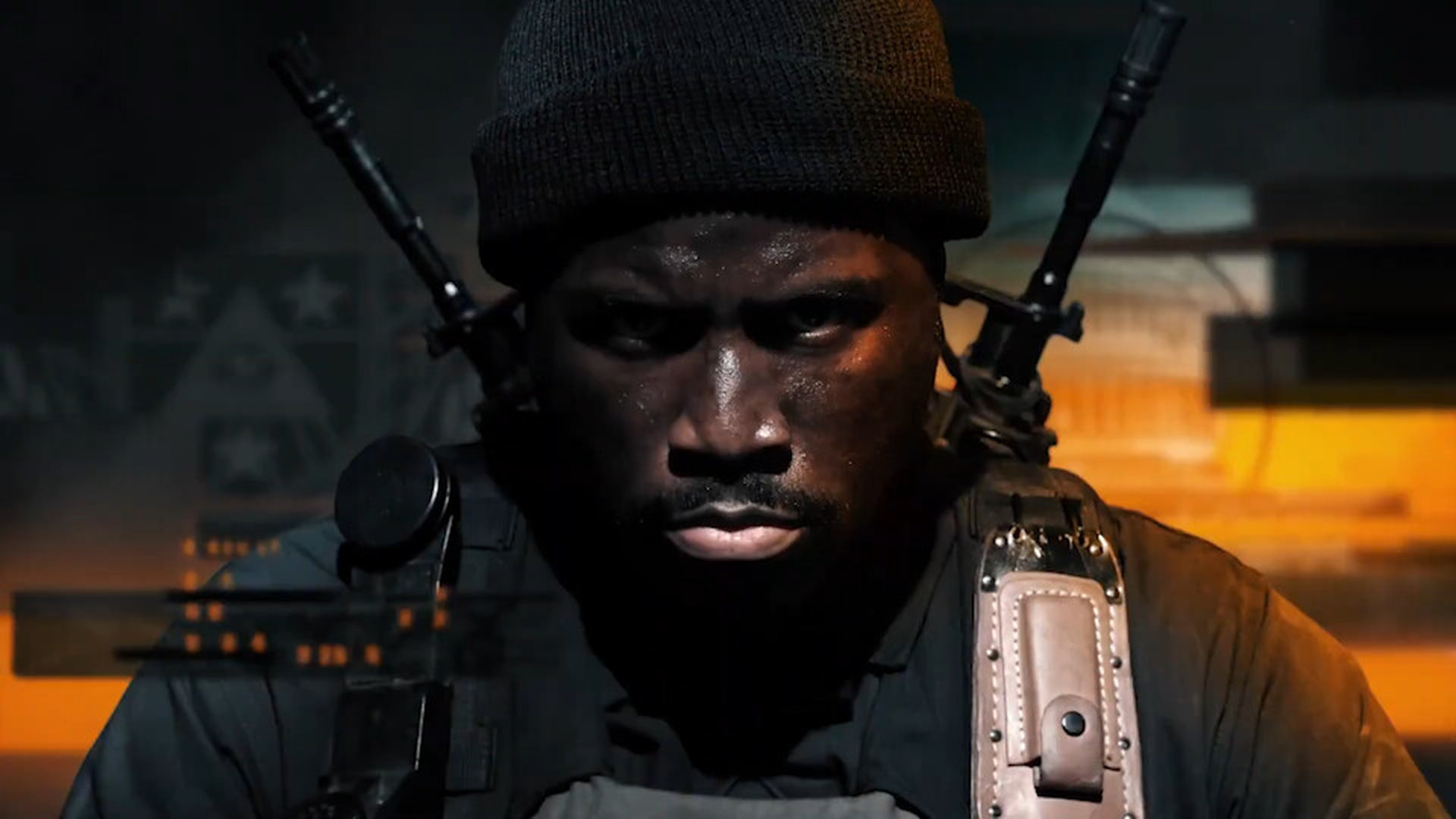
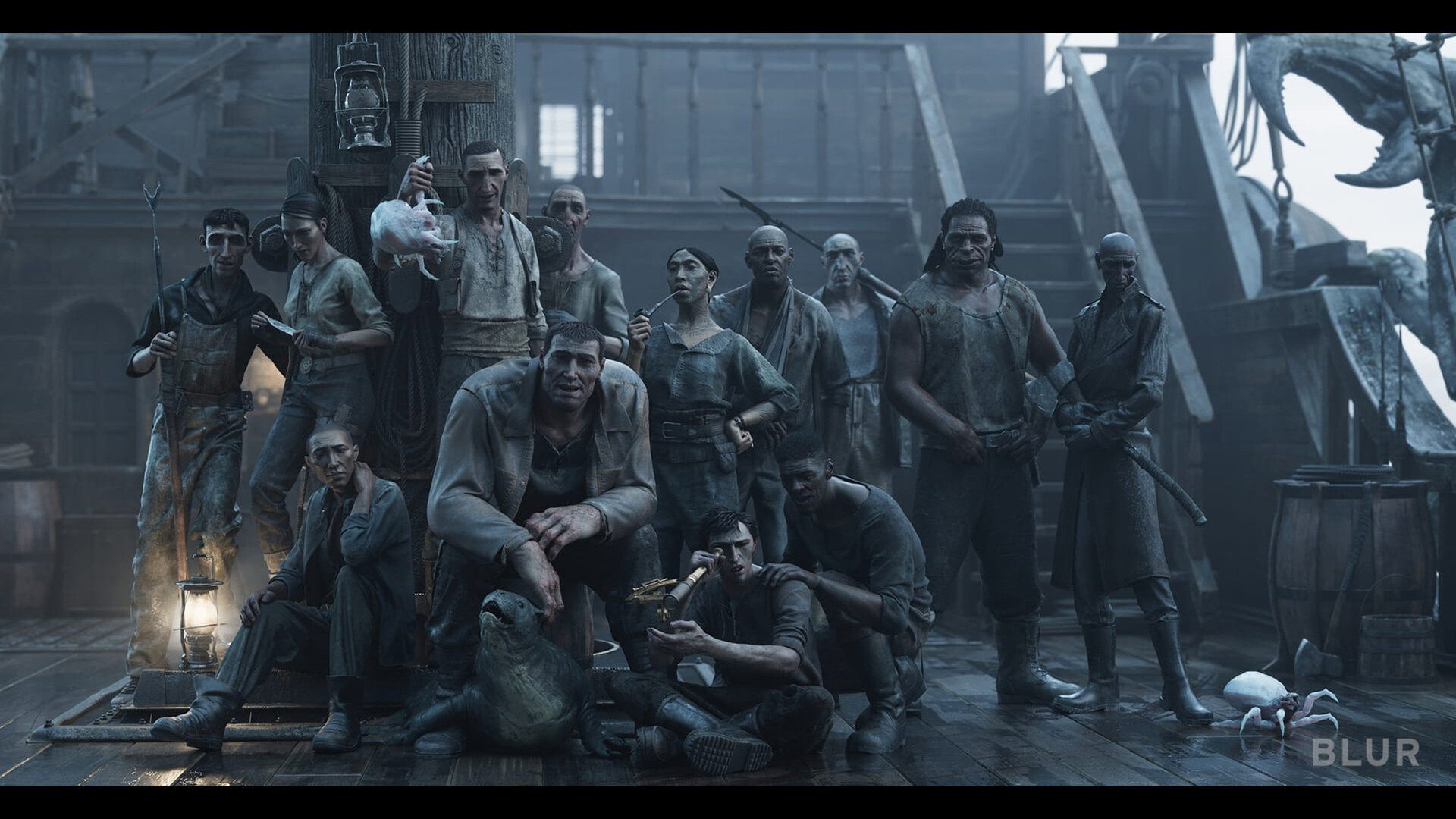
Explore advanced facial blendshape networks with Adam Spring using Maya, ZBrush, Wrap, and Photoshop. The techniques demonstrated showcase the very methods Adam has utilized on numerous feature films and AAA game cinematic projects, including Call of Duty and Love, Death & Robots.
In this 7-hour workshop, artists will examine the extraction of blendshapes from scan data and learn how to organize them into primary and combination shapes. Adam will also demonstrate how to utilize the scan data to generate wrinkle and blood flow maps, which will then be used to construct the dynamic shader within the Maya node editor. He will also provide a brief demonstration of how to capture facial motion capture data on an iPhone using the Unreal Engine LiveLink app.
The main software covered in this workshop is Maya, ZBrush, Wrap, and Photoshop. Adam also uses the free Maya plugin, Simplex, which is helpful for organizing all of the facial blend shapes. With this workshop, Adam provides the raw key frame data in the project files for anyone who doesn’t have access to an iPhone.
The 3D Scan Store FACS set featured in this workshop is not currently available to the public; Adam recommends that artists use their own FACS scans or model from a reference to gain the most experience.
17 Lessons
Adam Spring introduces his comprehensive workshop, which provides a professional-level workflow for creating advanced facial animation systems used in high-end game cinematics and animated productions. His combination of anatomically-based blend shapes, motion capture technology, and dynamic shading creates realistic facial performances that respond naturally to emotional expressions. Artists will gain extensive experience using industry-standard tools and techniques while learning Adam's complete pipeline, from initial modeling through final rendering.
Duration: 10m 51s

This lesson establishes the foundation for professional facial blendshape creation by demonstrating how to properly prepare and refine 3D facial scans. Adam's workflow emphasizes the importance of creating an accurate neutral pose as the starting point, since all subsequent blend shapes will be based on this foundation. His techniques are industry-standard practices that ensure high-quality results for facial animation in professional 3D production.
Duration: 26m 7s

This lesson provides a comprehensive workflow for leveraging MetaHuman's sophisticated facial rig system to enhance custom character models. By transferring proven blend shapes from MetaHuman to custom topology, artists can learn how to achieve high-quality facial animation without building complex rigs from scratch. Adam's process requires careful attention to UV matching and proper mesh cleanup, but ultimately provides a solid foundation for character facial animation, including happy and sad expressions and neutral poses.
Duration: 17m 52s

This lesson provides an efficient method for transferring facial blendshapes from MetaHuman rigs to custom character topologies using R3DS Wrap. The key to success lies in the careful point correspondence mapping between the source and target geometries, particularly around critical facial features like lips, eyes, and nasolabial folds. While Adam's process requires attention to detail during the wrapping and cleanup phases, it teaches artists how to leverage MetaHuman's high-quality facial expressions on their own character designs. The next lesson involves connecting these transferred shapes in Maya using the Simplex plugin.
Duration: 25m 10s

This lesson demonstrates that, while installing Simplex for Maya requires several manual steps, the process is straightforward when followed systematically. The key is ensuring all dependencies (Python, PyMEL, numpy, qt.py) are properly installed before setting up Simplex itself. Once completed, artists will have Simplex ready to create blend shape networks in Maya.
Duration: 5m 7s

This lesson successfully teaches how to create a professional facial animation setup by combining MetaHuman blendshapes with custom character geometry through the Simplex plugin. While some shapes, such as eye closure, may require additional refinement due to anatomical differences between the original MetaHuman and the custom character, the overall system provides a solid foundation for facial animation. Adam discusses the importance of proper organization and naming conventions to avoid technical issues, and prepares for the next chapter, which will cover cleaning up and refining the transferred shapes.
Duration: 21m 21s

This lesson emphasizes the technical complexity involved in creating high-quality facial animation rigs from scan data. Adam's process requires both technical skill in 3D software and artistic understanding of facial anatomy to successfully isolate and refine individual muscle movements from complex expressions. His methodical, layer-based approach demonstrates how professional-level facial rigging demands patience and iterative refinement to achieve convincing results that maintain anatomical believability while providing the control needed for animation.
Duration: 32m 11s

This lesson demonstrates the complex, iterative nature of professional facial animation work, where technical precision must be balanced with anatomical accuracy. Adam's emphasis on non-destructive workflows and systematic organization shows how important project management becomes when dealing with the many interdependent shapes required for believable facial animation. His process requires both technical Maya skills and a solid understanding of facial anatomy to create convincing results.
Duration: 43m 13s

This lesson demonstrates the complex, iterative nature of professional facial rigging for animation. Adam shows how building a convincing smile network requires not just individual facial shapes, but carefully crafted combination shapes that account for how multiple facial muscles interact simultaneously. While the technical process is demanding, involving multiple rounds of extraction, blending, and refinement, the result is a flexible animation system that can produce natural-looking facial expressions when animated with realistic, asymmetrical values rather than the full-intensity shapes used during construction.
Duration: 29m 5s

In this lesson, Adam highlights the iterative and technically demanding nature of high-quality facial rigging work. He demonstrates that achieving convincing facial animation requires not just technical knowledge of various Maya tools, but also a deep understanding of facial anatomy and the artistic judgment to know when to enhance or modify scan data to achieve greater emotional impact. His systematic approach of building primary shapes first, then addressing their combinations, provides a solid foundation for complex facial expression networks.
Duration: 37m 58s

This lesson lays the foundation for realistic facial animation by combining iPhone motion-capture technology with professional Maya rigging. While the raw motion-capture data may appear jittery and require cleanup, it provides accurate timing that would be time-consuming to achieve through manual keyframing. The next phase will focus on refining and exaggerating the captured curves to maximize the effectiveness of the custom blendshape work.
Duration: 29m 42s

This lesson demonstrates the detailed technical process required to transform raw motion capture data into polished facial animation. While the motion capture provides an excellent foundation and realistic timing, significant manual cleanup and technical setup work are essential to achieve professional results. Adam emphasizes that spending adequate time on combination shapes, proper rigging, and careful data cleanup is crucial for believable character animation, even though the process can be time-intensive and technically demanding.
Duration: 30m 18s

In this lesson, Adam offers essential techniques for transforming raw motion-capture data into polished facial animation. He explains why the key lies in finding a balance between removing technical artifacts while preserving the authentic human performance captured in the original data. He emphasizes that motion capture is a starting point that requires significant manual refinement to achieve professional results, particularly for subtle facial expressions and eye movements that require artistic interpretation beyond what automated capture can provide.
Duration: 29m 11s

This lesson establishes the foundational workflow for transitioning from character animation to look development in Maya. Adam's systematic approach of organizing assets, caching animation data, and setting up efficient viewport/render material systems creates a robust pipeline for facial animation rendering. His demonstrated preparation steps, particularly the technical ROM creation and dual-shader setup, are essential for the dynamic shader work in subsequent lessons.
Duration: 15m 38s

This lesson establishes a methodical foundation for creating dynamic facial shaders by properly organizing and preparing scan-based assets. Adam emphasizes the importance of systematic organization, using spreadsheets and careful zone planning, to avoid conflicts among different facial expressions. This preparation phase is crucial for the upcoming Maya shader implementation, where all these meticulously prepared maps and masks will be integrated into a functional, dynamic facial system.
Duration: 20m 18s

This dynamic shader system creates a sophisticated facial animation setup that realistically simulates how wrinkles and blood flow appear during facial expressions. The technical complexity involves careful management of multiple texture maps, strategic use of subtraction nodes to avoid detail conflicts, and the implementation of non-linear set-driven keys that better match real-world facial behavior. While the setup requires significant technical knowledge of Maya's node editor, the result is a highly realistic and controllable facial shader system suitable for high-end character work.
Duration: 27m 35s

In this final lesson, Adam concludes with a discussion about the importance of critical analysis in facial animation workflows. While the core dynamic shader system and expression shapes function effectively, his honest assessment reveals that refinement of timing, additional anatomical details, and enhanced character controls would elevate the work to an even higher portfolio-ready quality. His technical ROM approach is extremely valuable for validating complex facial rigs before final implementation.
Duration: 5m 15s

Primary tools
For this workshop you’ll need:


* Note that these programs and materials will not be supplied with the course.
Project Files
When you download the workshop files, you'll gain access to the following assets from Adam Spring. Inside, you'll find:
- Maya scene file (.mb) – The main working scene with the blendshade node setup established
- Data sheet (.csv) - A spreadsheet with records of Adam's blendshape live-linking process
Skills Covered
Who’s this Workshop for?
This workshop is designed for intermediate to advanced character artists, technical artists, and rigging specialists working in film, games, or animation. Artists should have solid foundations in Maya, ZBrush, and facial anatomy to maximize their learning from these production-proven techniques.
Concept artists, 3D generalists, and aspiring character specialists will also benefit significantly from understanding advanced facial pipeline workflows. The industry-standard methods demonstrated provide invaluable insight into AAA production processes, making this essential knowledge for career advancement in character development.
Learning Outcomes
By completing this workshop, artists will master advanced facial blendshape creation and dynamic shader construction using industry-standard production techniques.
Key skills include:
- How to extract and process facial blendshapes from 3D scan data using professional workflows.
- How to organize facial shapes into efficient primary and combination blendshape systems.
- How to generate detailed wrinkle and blood flow maps from scan data for realistic effects.
- How to construct dynamic facial shaders within Maya's node editor for production pipelines.
- How to capture and integrate iPhone facial motion capture data using Unreal Engine Live Link.
- How to utilize the Simplex Maya plugin for organizing complex facial blendshape networks effectively.
- How to implement FACS-based facial systems for feature film and AAA game cinematics.